Transition
In this section:
-
-
- Key Staff
- Form & Teaching Groups
- Behaviour & Codes of Conduct
- Planners
- ClassCharts
-
Here is an outline of some of the information that you will need to know for September. (These details will be added and updated with new information as we progress towards the start of the new year).
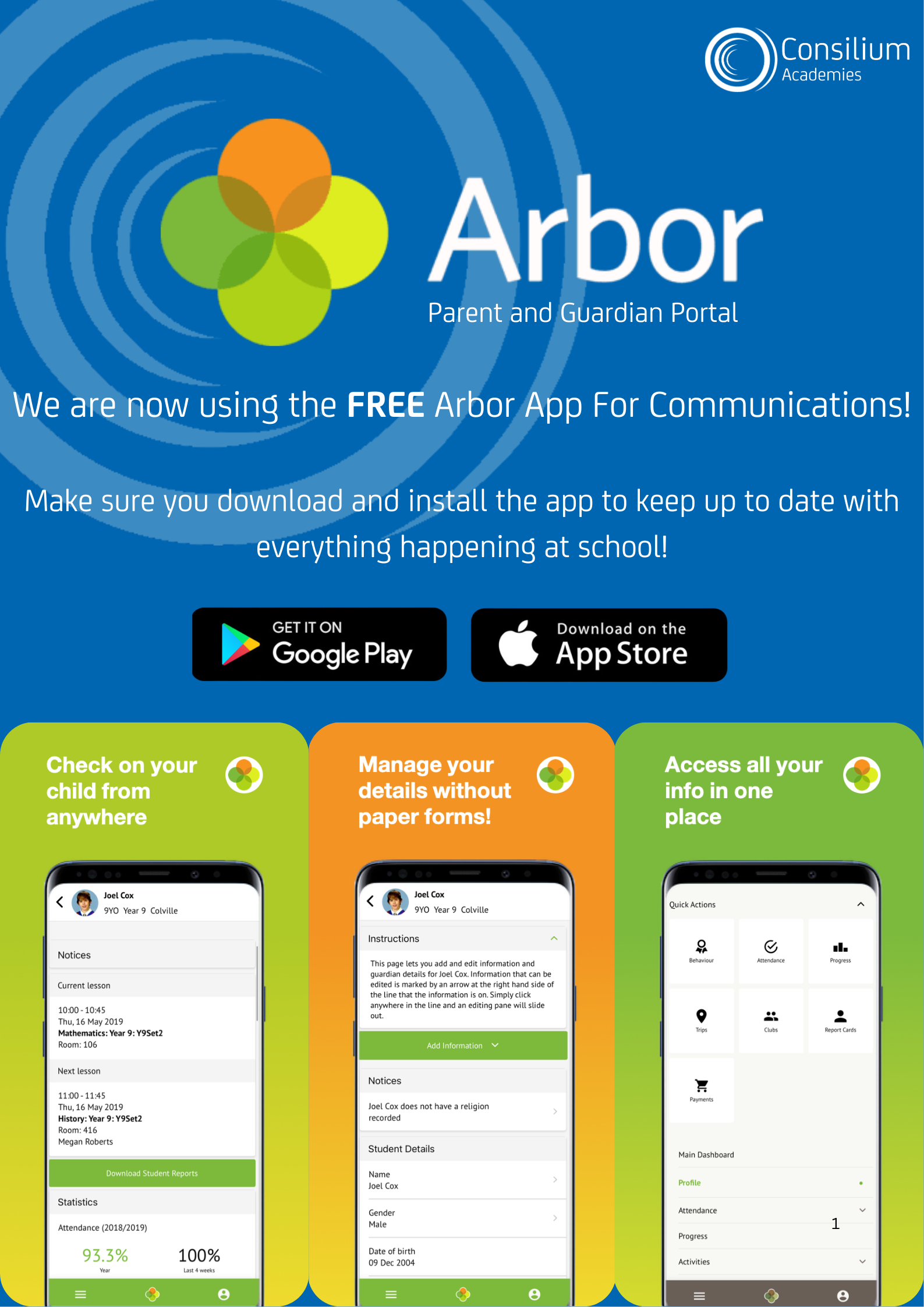
An introductory transition letter was sent out by post. The letter contains details of you log in details for the parent apps, information on school meal choices and contact information should you have any questions. Please log in to Arbor and update your child's details as soon as possible.
Key Staff
- Mr D Howarth - Head of Year 7
- Mr S Findlay– Attendance Manager
- Miss E Bushbby – Assistant Head Teacher/SENDCO
Form & Teaching Groups
Form group information will be given out to students in September.
Teaching groups will be allocated in September based on academic information supplied by primary schools. In the absence of SATs results, these groups will be temporary and subject to change after internal assessments have taken place during the Autumn term.
Behaviour & Codes of Conduct
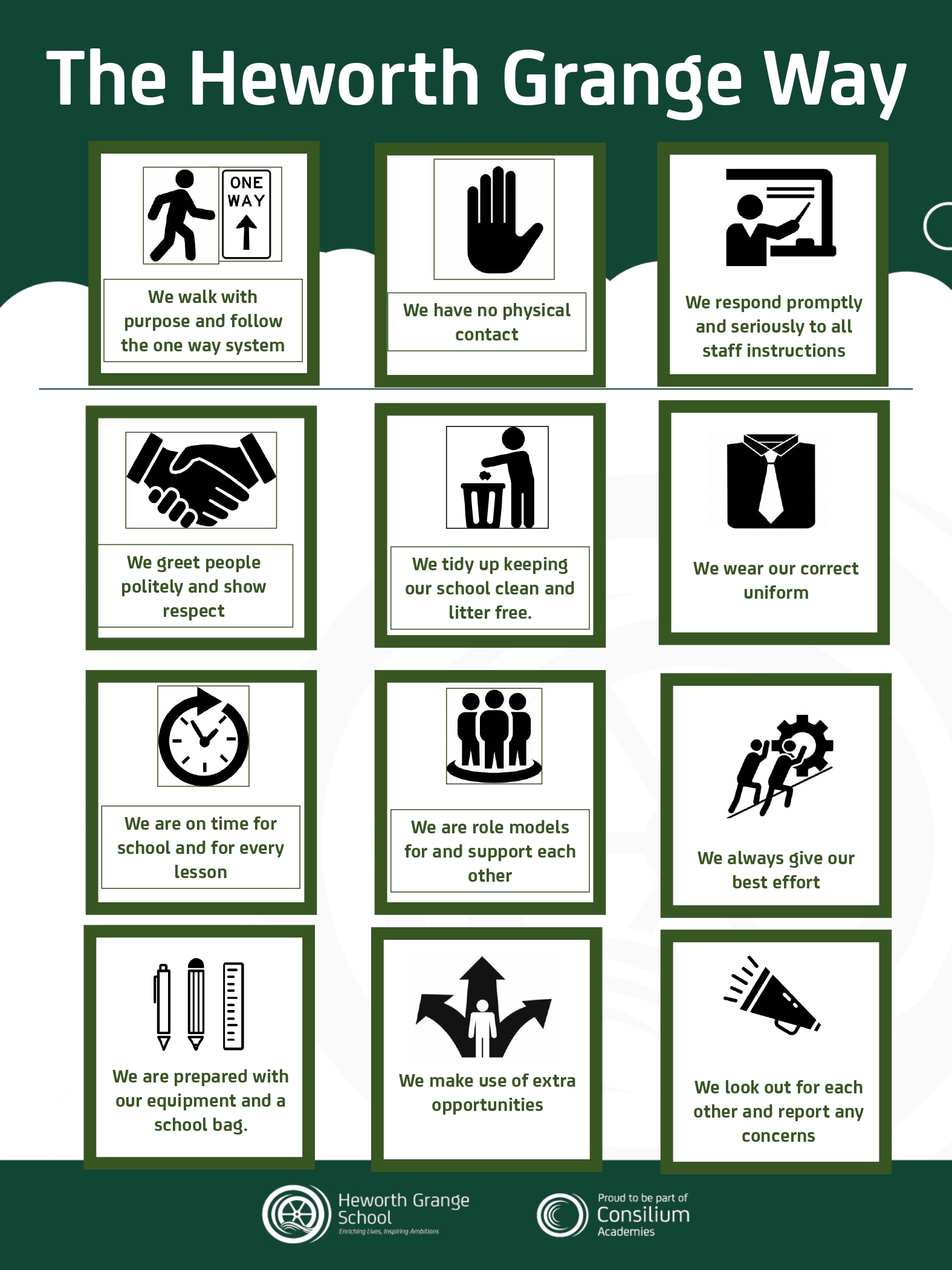
Full details of the school's behaviour policy and expectations will be circulated to all parents/carers and students in September, but the behaviour policy can be found in the policy section.
Planners
All Year 7 students will be issued with a planner in September. We require all students to keep copies of their timetables in their planner.
ClassCharts
The school uses a system called ClassCharts to monitor all aspects of your child’s progress. Once your child is placed on the school system in September you will be able to access this internal monitoring system by logging in to either the website (www.classcharts.com) or by downloading the free mobile app (available on both IOS and Android by searching for Class Charts) and using the appropriate unique codes that will be issued in September. This will allow you to have access to the following information for your child or children.
- Behaviour points – both positive and negative
- Detentions – see when detentions are set and when they have been completed.
- Homework – see when homework is due, details of the task, and whether it is submitted on time.
- Timetable – see details of your child’s timetable.
- Attendance – see details of your child’s attendance record (The current day will not be shown, any issues will continue to be communicated via the attendance office)
Click Here to view the ClassCharts User Guide